(+61) 1300 654 616
Mech-Q Structural Software
Advanced 2D/3D Steel Detailing
Manual structural detailing introduce significant risk of error and slow down project delivery. The Mech-Q Structural module eliminates this bottlenecks with parametric steel drafting tools directly into your host CAD environment. Engineered specifically for structural detailers, engineers, and fabricators this module accelerates the production of shop-ready fabrication drawings in both 2D and 3D.

Core Structural Engineering & Detailing Capabilities
Global Steel Profile Libraries: Instantly generate precise structural profiles from exhaustive, standards-compliant international catalogs, including AISC (US), BHP/Bluescope (AU), CISC (CA), DIN (EU), RSA (ZA), JIS (JP), IS (IN), and Chinese steel standards.
Framing, Bracing, & Connections: Rapidly lay out primary structural framing—including columns, beams, portal frames, and bracing—complete with dimensionally accurate, automated beam-to-column and beam-to-beam structural connections.
Miscellaneous & Access Steel Generators: Streamline the detailing of secondary steel with parametric macros for industrial stairs, caged ladders, handrailing systems, and guardrails built directly to your geometric constraints.
Production-Focused Workflows & Shop Readiness
From Layout to the Fabrication Floor Mech-Q automates the most time-consuming aspects of structural drafting, ensuring your shop drawings move to fabrication with absolute data integrity.
Automated Fabrication Dimensioning: Drastically reduce manual drafting hours with built-in detailing utilities that automatically apply precise dimensions and fabrication clearances to your structural components.
Weighted Bill of Materials (BOM): Instantly extract comprehensive material take-offs directly from your drawing. The automated BOM calculates exact linear lengths and material weights, streamlining steel procurement and tonnage estimates.
Standardized Callouts & Analysis: Maintain strict drawing office compliance using automated, code-compliant welding symbols, while validating structural integrity on the fly via the integrated beam loading analysis tool.
Cross-Platform CAD Interoperability
Mech-Q runs as a native extension within your preferred drafting software, preserving your established drafting interface and eliminating file-conversion lag.
Supported CAD Environments
- Autodesk AutoCAD (all versions),
- AutoCAD LT
- Bricsys BricsCAD,
- progeCAD,
- GstarCAD,
- CADian
- ZWCAD
- and several IntelliCAD engines
Benefits
- Structural Steel detailing is now ease using the Mech-Q Structural Detailing modules.
- The Mech-Q Structural Steel design add-on is both customizable and easy to learn.
- The software supports both Metric & English (Imperial) Units.

Steel Shapes & Beams
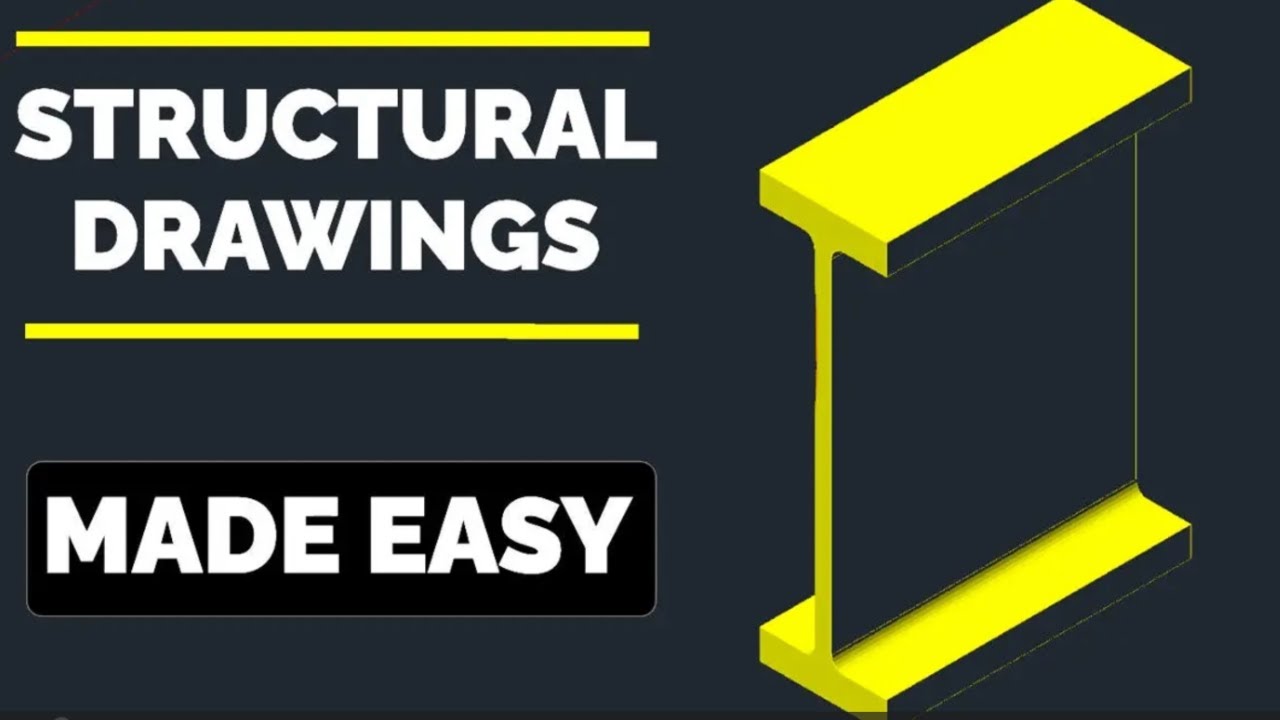
Draws in both 2D & 3D and includes Auto-BOM with weighted BOM (fully customizable). This structural steel shape routine supports data listing with a pick & match option. Layers are fully customizable. Curved beam option also available. Annotates shapes and beams as needed.
Main Features:
|
 |
Standard Steel Shapes and sizes included:
Metric:
-
Australian (BHP)
-
European (DIN)
-
British Standard (BS)
-
Canadian (CISC)
-
South African (RSA)
-
Japanese (JIS)
-
Indian (IS)
-
Chinese
English:
-
US (AISC/ASTM)
-
Canadian (CISC)
ASVIC can customize this utility for other standard steel shapes.
Structural Stairs Utility
Structural Stairs Utility will draw stairs to the configuration set by the user. The routine will also draw Single-flight and multi-flight stairs in Front, Plan and End views and then add the main Dimensions and Stair Data as required. Handrail outline can also be included.
Stringer Detail - With auto-dimensioning for fabrication. Use the program design feature to draw the stairs - then by simply picking the stairs stringer, it will be auto-detailed for you.
Also includes concrete Pan Style stair tread. The user has full control on the stairs design parameters, including stringer and tread sizes, slope, width, stair flights configuration.
Main Features:
- Draw Single-flight and multi-flight stairs
- Front, Plan and End views
- Auto-handrailing
- Several stringer & tread options - With auto-dimensioning of stringer for shop fabrication
- Fully customizable with full control on the stairs design parameters, including:
- stringer and tread sizes
- slope
- width
- stair flights configuration
- Fully customisable layers
- Easy to use and configure
NOTE: The stairs configuration is controlled by recognized safety constraints
Structural Ladders Utility:
The Ladder Utility will draw Side Stepping and Step Thru. ladders - Front, Plan and End views. The utility can also draw safety Cages and fabrication Detail. Auto Dimensioning is included.
Main Features:
- Draw Step-tru and Side-step ladders

- Front, Plan and End views
- Ladder detailing (with auto-dimensions)
- Safety cages optionally added
- Customise layers used
- Fully customizable with full control on the all the ladder design parameters.
- Easy to use and configure.
Structural Hand Railing:
- Customizable sizes, layers & shape
- Welded, "Monowills" and Square tube
- Steel or Aluminium
- 15 types of stanchion
- Optional "kick" plates.
- Several draw options
- Easy to use and configure.
- Several draw view options:
- Run Elevation - Pick two points and handrail + stanchions is drawn
- Run Plan - Draw an outline polyline then simply pick polyline to draw
- Stanchion Front view
- Stanchion End view
- Stanchion Plan view
- 90-deg Bend
- Angled Bend
- Horizontal Closure
- Angled Closure
Structural Bracing
Fully Customizable sizes & layers. Supporting welded, welded cleat, bolted cleat or bolted straight bracing. Simple to use, draws bracing in 4 easy steps! Fixing options include Welded, welded cleat, bolted cleat or bolted straight.
Main Features:
- Fully Customizable sizes & layers
- Welded, welded cleat, bolted cleat or bolted straight
- Bracing drawn in 4 easy steps:
- Select IP 1st point
- Select fixing member at 1st point
- Select IP 2nd point
- Select fixing member at 2nd point
Beam to Beam Connections:
Drawing structural steel beams is easy with Mech-Q. Includes several connections types: bolted & moment plate, angle or double angle cleats. Will draw in plan or front draw views. Customizable layers & connection sizes & design w/ auto-dimensioning to fabrication details. Beam weights calculator and much more included.
Main Features:
- Several connections types: Bolted & moment

- Plate, angle or double angle cleats
- Plan or front draw views
- Customizable layers & connection sizes & design
- Auto-dimensioning to fabrication details
- Dimensioning style & options to meet most detailing requirements.
- Beam weights calculator
- Several draw options
- Easy to use and configure....
Beam to Column Connections:
-
Several connections types:
-
Flexible: Angle seat
-
Flexible: Bearing pad
-
Flexible: End plate
-
Flexible: Angle cleat
-
Flexible: Web plate
-
Rigid: Welded & erect cleat
-
Rigid: Plate
-
Plan or front draw views
-
Customizable layers & connection sizes & design
-
Auto-dimensioning to fabrication details
-
Several draw options
-
Easy to use and configure....
Structural Welded Frames:
- Bevel or Square corners.
- Plan, End view (X) and End view (Y)
- Plan or end draw views
- Customizable layers & sizes
- Auto-dimensioning to fabrication details
- Several draw options
Beam Design Module
The utility is a design tool for calculating stresses and deflections for simple beam cases.
- Beam cases Include:
- Simply Supported
- Cantilever
- Propped Cantilever
- Build-in
- Several load cases and load combinations are supported Output:
- Reactions at supports
- Calculated Deflections and Stresses
- Plot of stress and deflections
- Printed Result
- Minimum Steel Sections for the given load cases.
- Several configurations & calculation options...
Welding Symbols
- Several welding symbols Include:
- Fillet
- Bevel-butt
- Vee-Butt
- Square-Butt
- U-Butt
- J-Butt
- Flare-V
- Flare-bevel
- Plug
- Spot welding
- Seam welding
- Stud welding
- Bead welding
- Surface welding
- Welding note option
- Configurable size & layers
- Several options & auxiliary symbols: Site, all round, leader, intermittent...
Many other modules & utilities included
Steel Shapes included:
- Metric:
- Australian (BHP):Hot Rolled sections, including: UB, UC, PFC, EA, UA, Welded UB & UC and RHS.
- European (DIN):INP & IPE, HEA & HEB, UNP & UPE, LE & LU, & RHS
- British Standard (BS): UB, UC, PFC, EA, UA, CHS & RHS
- Canadian (CISC): W, WWF, S, M, HP, C, MC, L & HSS.
- South African (RSA): I , H, Channels, Angles, & RHS.
- Japanese (JIS): I , H, Channels, Angles, & RHS.
- Indian (IS):Beams , Channels, Angles, & RHS.
- Chinese: HW, M &N Beams, Channels, Angles, & RHS sections,
- English:
- US: AISC/ASTM: W & WT, S, M, HP, C, MC, L & RHS
- Canadian (CISC):W, WWF, S, M, HP, C, MC, L & HSS.
NOTE: Size range can be easily increased via the Database Editor
Service & Maintenance
Note:
12 months Service & Maintenance Contract (SMC) included with each Mech-Q license purchased
($149 value)
The Mech-Q SMC includes:
- All upgrades of Mech-Q

- All Mech-Q updates.
- Plus: Priority support
You can extend the SMC by an extra 12 monhs or extra 24 months... More details

Click image below to view Video: